
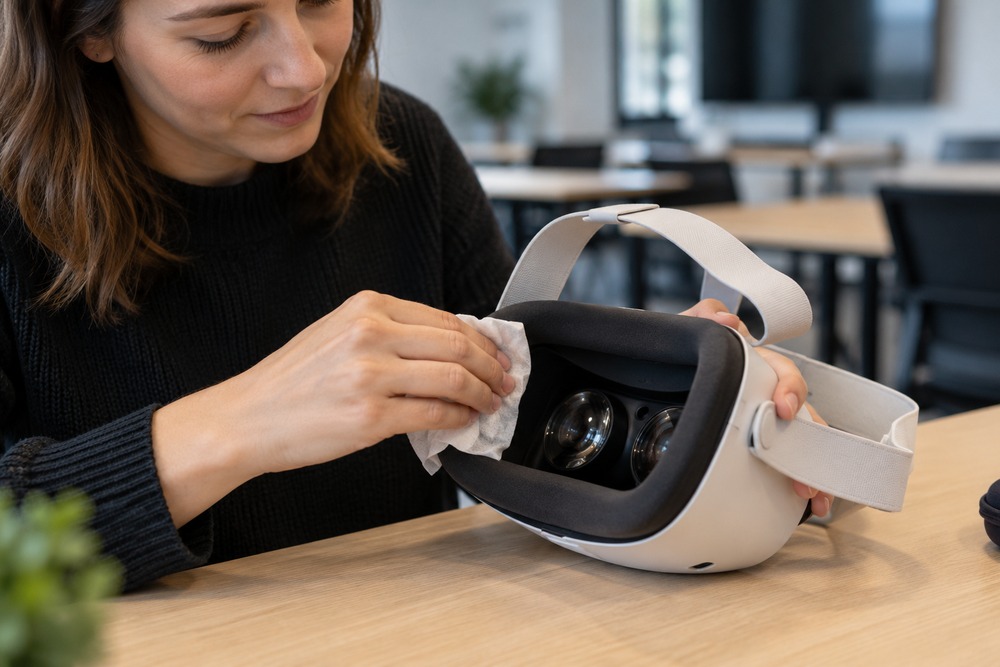
A shared VR training setup needs a cleaning routine that suits the exact headset and its accessories. Facial interfaces, straps, controllers and lenses can have different care instructions. Build that routine into the workshop timetable rather than treating cleaning as something to squeeze in between learners.
Use the instructions for the actual equipment
Check the manufacturer’s guidance for each component and any third-party interface. Do not assume the same wipe or liquid is suitable for every surface. Keep cleaning materials clearly identified so a facilitator does not use a general desk cleaner on delicate parts.
Keep lens care separate
Follow the lens instructions carefully. Meta’s safety guidance specifies a dry microfibre cloth for relevant lenses and front cover windows; liquids can cause damage. The approved method for the exterior is not automatically the method for optical surfaces or removable accessories.
Allow time for the reset
Assign responsibility for cleaning, inspection and preparing the next learner’s equipment. Keep used and ready-to-use devices distinguishable. Check straps, controllers and charging connections as part of normal preparation, and follow applicable drying instructions before equipment is used again.
Discuss your project with High5VR
Ask High5VR to include equipment handling and reset time in a proposed training workflow. A realistic session capacity depends on setup, learner support and cleaning as well as the length of the exercise.
Contact High5VR to discuss your audience, objectives and scope.
Further information: Meta equipment care guidance.
Featured image: illustrative image.