
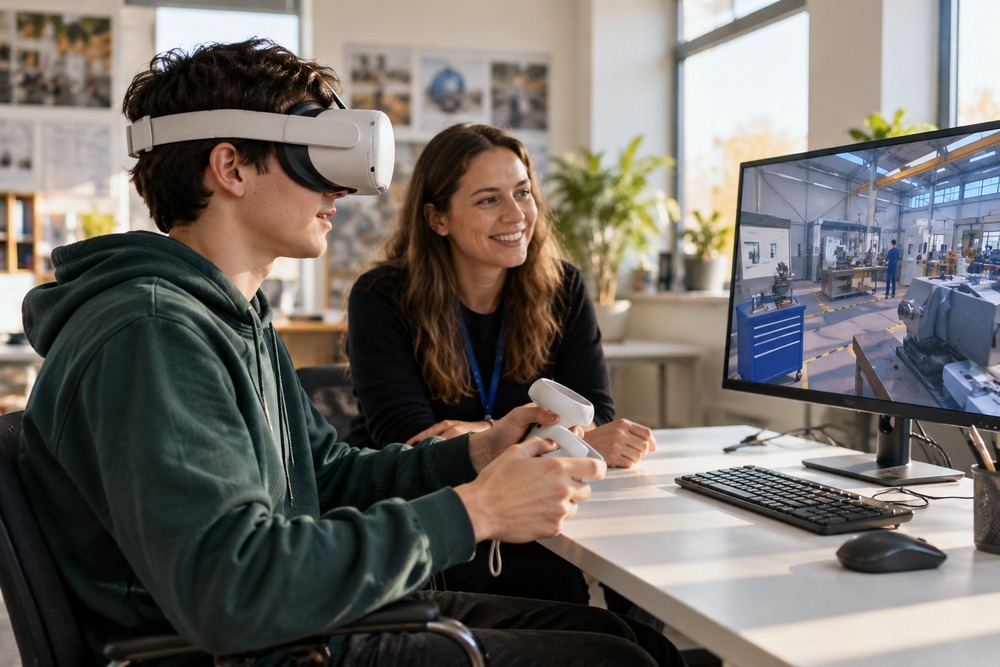
VR can add a workplace experience to careers guidance, helping students explore a setting before choosing a course or arranging a visit. The aim is to support informed questions and discussion. A virtual scene cannot show every aspect of a job or replace contact with people working in it.
Show the work as well as the setting
Choose a realistic task or decision that helps explain the role. Include the context around it: teamwork, preparation and the kind of information a worker uses. Avoid presenting an exciting location as if it represents an ordinary working day.
Give learners a way to compare roles
Use consistent prompts about skills, responsibilities and working conditions. A filmed employee explanation can sit alongside the immersive scene. Any qualifications or entry routes mentioned should be checked by the organisation providing careers information.
Connect the experience to a next step
Ask students what surprised them and what they want to investigate further. Follow with an adviser conversation, workplace visit or course discussion. Provide a screen-based or other accessible route to the same information.
Discuss your project with High5VR
High5VR can discuss careers films and immersive workplace content with employers or education providers. The brief should identify the audience, roles and realistic learning purpose before production begins.
Contact High5VR to discuss your audience, objectives and scope.
Featured image: illustrative image.