
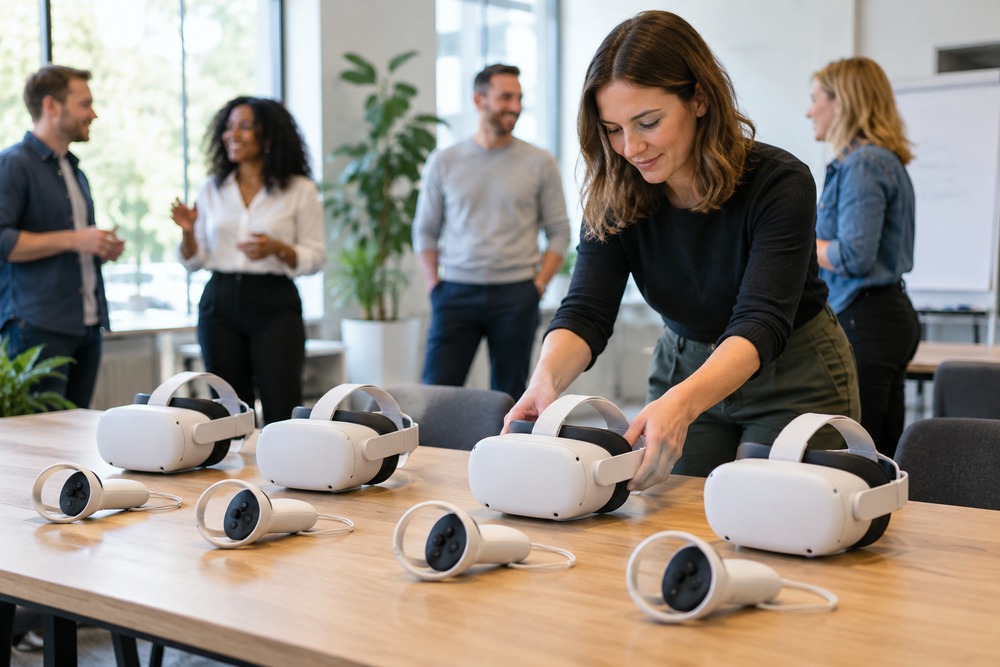
Running a group VR workshop involves more than handing out headsets. Each device needs the right content, enough charge and a clear place in the session plan. A simple routine helps the facilitator focus on learners rather than repeatedly troubleshooting equipment.
Give each headset a clear identity
Label devices and their accessories so that faults, battery levels and content versions can be tracked. Before the session, open the intended exercise on every device. Check sound, controls and any required accounts or network connection.
Separate briefing, practice and reset
Explain the task before learners put on a headset. Provide separate activity spaces, then allow time for cleaning and resetting between turns. The facilitator should know which learner is using which exercise and how to stop a session when help is needed.
Choose the level of control required
A shared screen, device management system or instructor control panel may be useful, but these are different features. Specify whether the facilitator needs to observe, launch content, see results or manage updates. A normal headset setup may not offer all of these functions.
Discuss your project with High5VR
High5VR can help define a workable group session around the content and available staffing. Test the full rotation with a small group before planning a larger workshop.
Contact High5VR to discuss your audience, objectives and scope.
Featured image: illustrative image.