
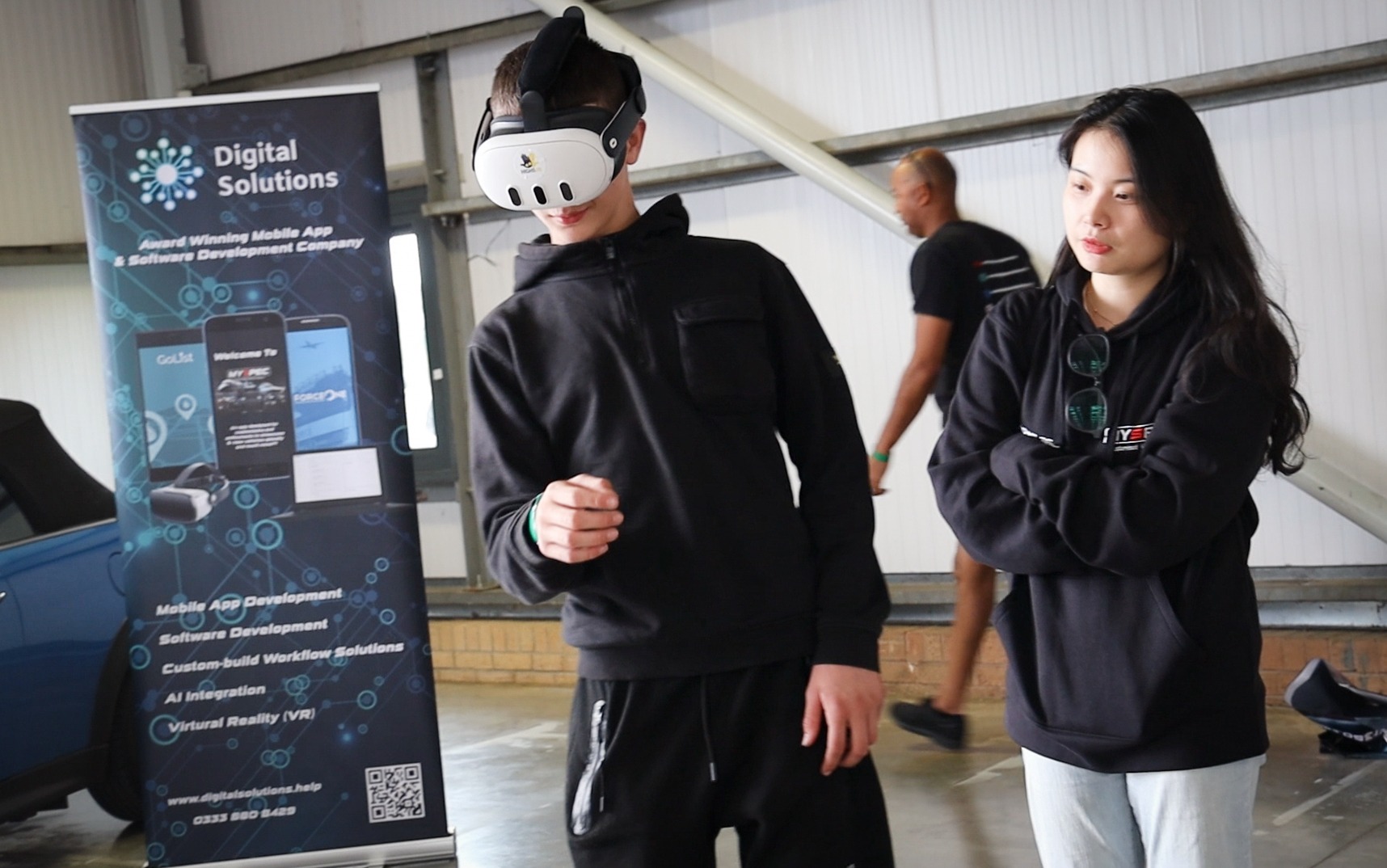
Quick answer: make virtual car demonstrations accessible by always having another way to see the same information, such as a screen presentation, approved photos and specifications, and a salesperson’s explanation. Offer the options to every customer without asking them to explain why they prefer not to wear a headset, and plan the alternatives as part of the project.
Why some customers will not use a headset
- Discomfort or motion sensitivity
- Glasses or vision differences
- Hearing or mobility needs
- Concerns about hygiene
- Simply preferring not to
The aim is to support a useful sales conversation, not to make a headset the only route to product information.
Keep the information available in another form
- Screen view: showing the virtual experience on a large screen while a salesperson guides it.
- Approved photos: high-quality images of the exterior and interior.
- Specifications: printed or digital information sheets.
- Video: a conventional walkaround film.
- The real car: where available, a physical viewing.
Decide which content can be shown outside the headset and which interactions need another explanation. An interactive browser version is a separate development requirement.
Ask what the customer prefers
Offer the available formats to everyone, for example: “You can try the headset, or we can look at it together on the screen.” This way nobody has to give a personal reason for declining VR. Staff should know how to switch smoothly to another presentation.
Make the alternatives work well
- Use a large screen with clear, readable details
- Have seating near the screen
- Let the customer set the pace
- Make sure staff can explain features confidently
- Have printed information to take away
Train the sales team
Staff should be as comfortable presenting without the headset as with it. A short guide covering each format helps every customer get a good experience.
Plan the whole appointment
Think about the whole visit, not just the VR moment. How does the customer arrive, see the car, ask questions and take the next step? Each format should fit smoothly into that journey.
How High5VR can help
High5VR can review how AutoVR360 fits your dealership’s existing presentation methods. Screen output, controls and alternative versions should be specified rather than assumed to come with every virtual experience.
Frequently asked questions
Can the VR experience be shown on a screen?
Often yes, if screen output is included in the setup.
Should we ask why someone declines VR?
No. Simply offer the alternatives.
Can customers view it at home?
Only if a web or app version is developed as part of the project.
Does this make VR less useful?
No. It means every customer gets a good experience.
Contact High5VR to discuss your project and delivery requirements.