
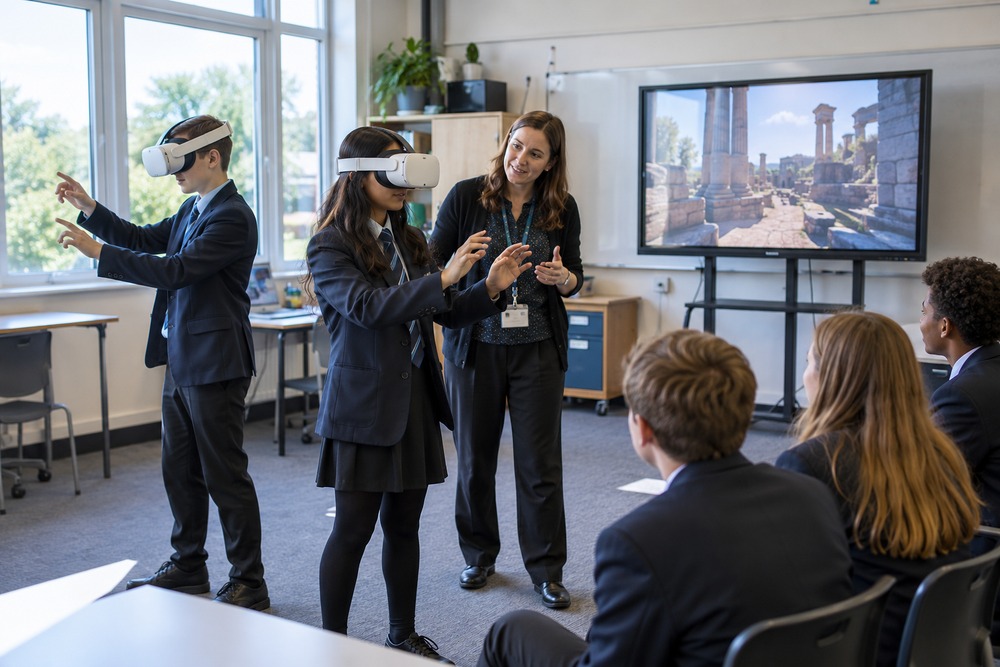
A free educational VR app still needs to be reviewed before classroom use. The school needs to know whether the content, access arrangements and operating conditions suit its pupils. The absence of an initial purchase price does not answer those questions.
Check content and classroom permissions
Review the experience from start to finish. Check age requirements, subject accuracy, licensing and whether classroom use is permitted. Look for advertising, purchases or external social features that may affect suitability.
Review accounts and information handling
Establish which accounts are required and what information the app collects or shares. Follow the school’s normal approval process for digital resources. Avoid entering real pupil details simply to try an application before its requirements have been assessed.
Test ongoing availability and delivery
Check the intended headset, network connection and update behaviour. Consider what happens if the app changes or becomes unavailable. Staff time, equipment, supervision and preparation remain part of the practical cost even when the application itself is free.
Discuss your project with High5VR
High5VR can discuss whether existing content meets the teaching objective or a bespoke experience would be more suitable. The choice should follow the lesson requirements and available resources, rather than a promise that one option is always better.
Contact High5VR to discuss your audience, objectives and scope.
Featured image: illustrative image.